
Turn Every Comment,
Like & Follower into a Customer.💰
Automate DMs, schedule posts, reply with AI, all from one dashboard.
For Instagram, Facebook, LinkedIn & more.
One Tool,
All Platforms
One Tool, All Platforms

Connect Platforms
Connect Platforms
Our Social Media CRM supports direct scheduling and posting on stories, reels & feed to:
Step 2: Upload Content
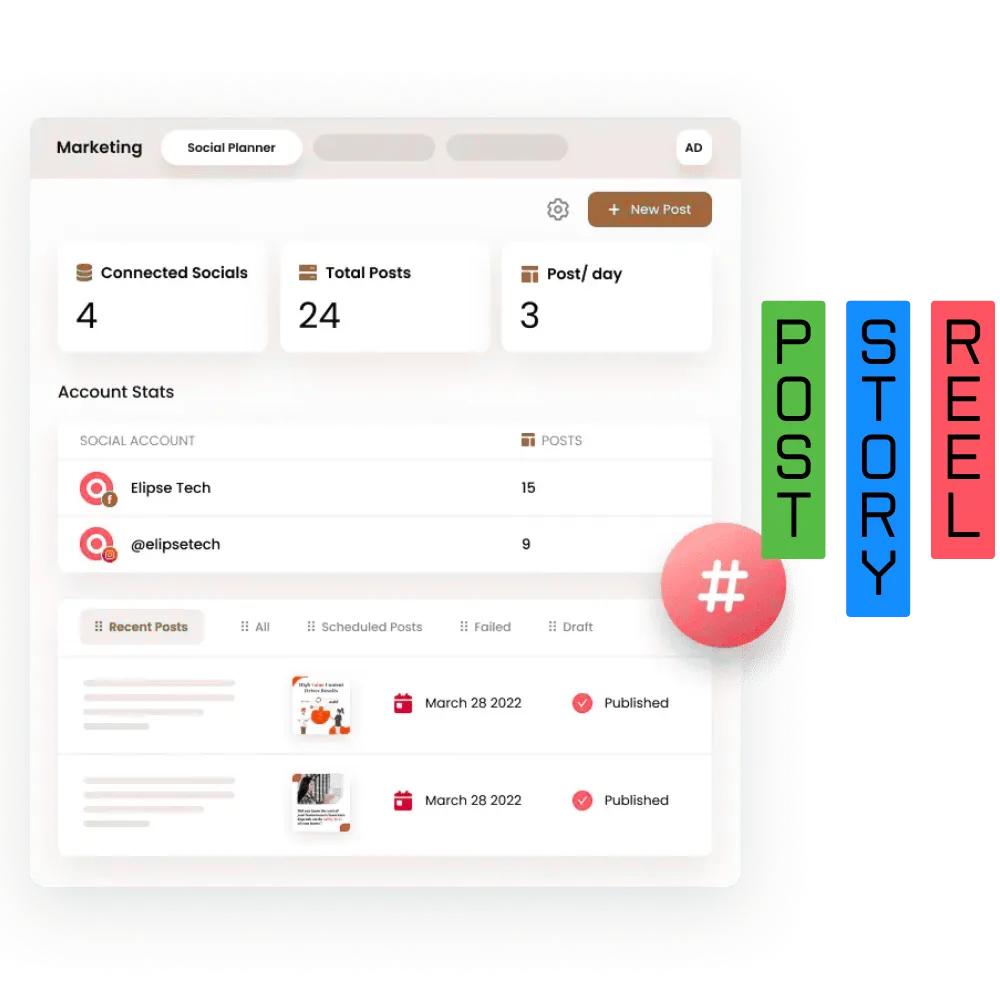
Plan & Schedule Posts
Multiple Teams Can
Review & Approve the Posts.
Plan & Schedule Posts
Multiple Teams Can
Review & Approve the Posts.
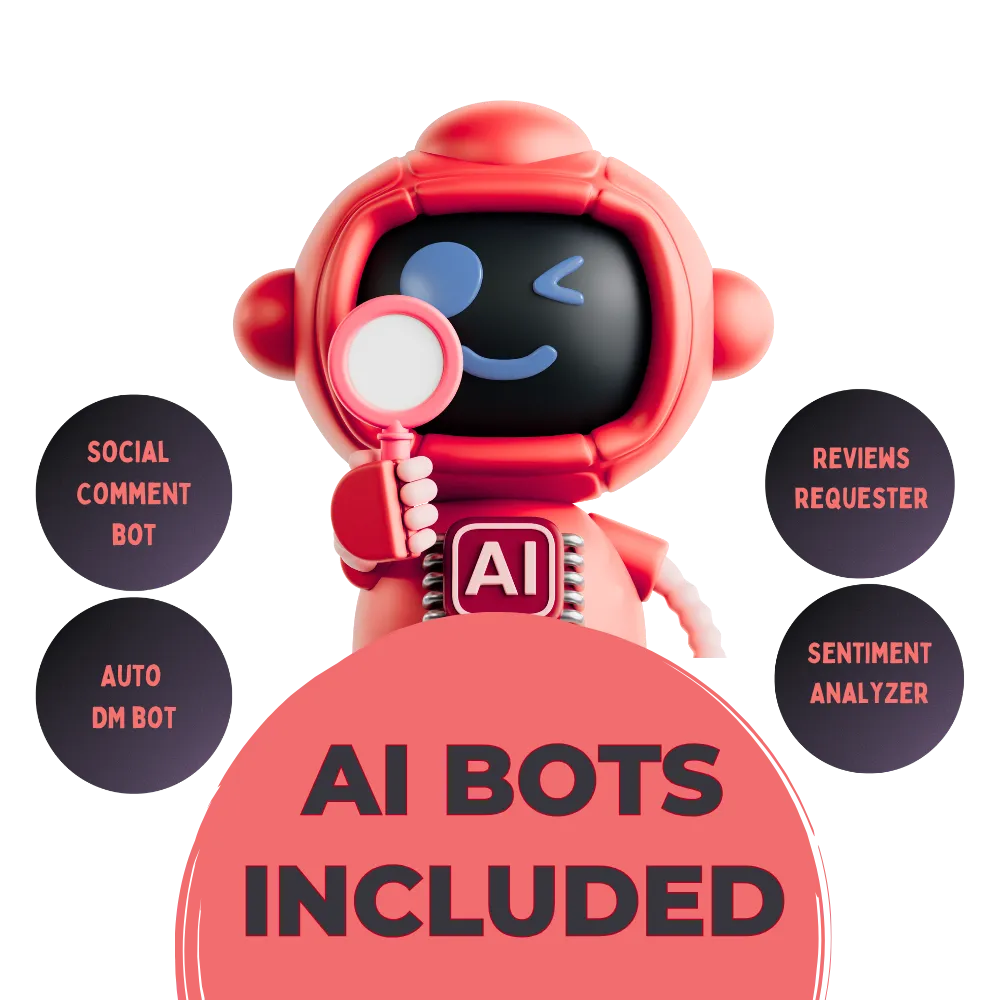
🤖 Smart Automations
🤖 Smart Automations
✅Auto-reply to DMs & Comments
✅Automated Review Requests
✅Lead Nurturing Workflows
Step 4: Get Approvals
Step 4: Get Approvals
Content Approvals
Ideal for agencies or teams with content reviewers.
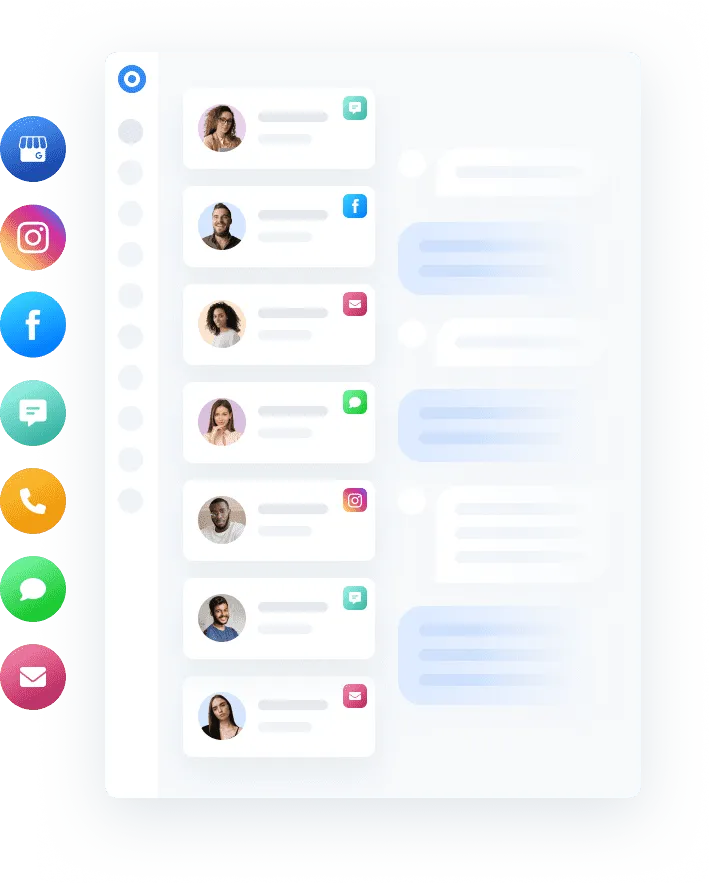
Content Approvals
Ideal for agencies or teams with content reviewers.
Step 6: Track Performance
Track Performance
Optimize content using real data — not guesswork.ng Machine
Step 6: Track Performance
Let your content publish itself — no daily logins required.

What's Additional in the offer?
Social Media Automations
Learn about the powerful social media automations under this platform
1. Instagram & Facebook Comment → DM Automation 📩💬
Use Case: Automatically send a DM when someone comments on a post. Benefit: Great for offers like “Comment ‘deal’ to get a discount,” then follow up with a promo code or CTA via DM.
2. Auto DM Replies for Keywords 🤖🔑
Use Case: When someone sends a DM on Instagram or Facebook with certain keywords, send a specific automated reply. Example: If user DMs “pricing”, respond with your packages or booking link.
3. Post-Scheduler + Reminder 📅⏰
Use Case: Schedule posts and get a reminder to publish Stories or Reels manually if API limitations apply. Benefit: Keeps content consistent across platforms.
4. Comment Sentiment Analyzer + Auto Response 🧠📊💬
Use Case: AI detects sentiment (positive, negative, question) in comments and responds accordingly. Benefit: Helps maintain engagement and brand perception.
5. Auto Review Request After Social Interaction 🌟📝
Use Case: If someone interacts (likes, comments, or DMs), add to a list and send a review request after a positive outcome. Benefit: Increases social proof.
6. Post Engagement Follow-up Campaign 🔁❤️📈
Use Case: When a person engages with a post (likes/comments), follow up via DM, WhatsApp, or email with a lead magnet, coupon, or product link. Benefit: Turns social media engagement into leads/sales.
7. Automated Welcome Sequence for New Followers (via DM) 🙌📬
Use Case: Send a friendly welcome message when someone follows your page. Optional Add-on: Include freebie, offer, or link to services.
8. Weekly/Monthly Content Plan Notifications 🗓️📢
Use Case: Send reminders to upload monthly content ideas or get approval. Benefit: Keeps your clients on track with their content goals.
9. Stories/Post Poll → DM Follow-up 📊📲
Use Case: Trigger a DM based on a user interacting with a poll/sticker. Example: “Want to know more?” Yes → Triggers product info DM.
10. Cross-Platform Content Repurposing Automation 🔄🌐🧩
Use Case: Post to Instagram, then auto-schedule for Facebook, LinkedIn, Google My Business (if applicable). Benefit: Saves time and ensures reach across platforms.
TESTIMONIALS
What others are saying
Very Affordable Compared to Others
Others such as Hootsuite and social pilot charging me too much for this scheduling tool, this tool saved my life - Nada Abdo

Content Approval Option is nice
My team would just randomly post anything now I can easily review & approve the posts. Thank God I discovered this tool - Daria Makolva
Social Automations Option is love
It's crazy how everything is inside that one tool
- Ted Grover
Support Team is very responsive
I have had a few issues with automations so the team was responsive too. Overall loving the tool - Arwa Balusi
What to Expect Once Form Submitted?
How long to set up?
Accounts are set up within 2–4 hours after you submit your info.
How will I get my login?
Login credentials are emailed to the address you signed up with.
What do I do after login?
Go to Settings and connect your social media accounts.
Which platforms can I connect?
Instagram, Facebook, LinkedIn, TikTok, Pinterest, YouTube, and Google Business Profile.
Is there a guide to connect accounts?
Yes, step-by-step help is inside the dashboard or via support.
When can I start posting?
Immediately after connecting your social media accounts.
Do I need technical skills?
No — it’s designed to be simple and beginner-friendly.
Can I use my own or stock media?
Yes — upload your content or use built-in stock libraries (Pixabay, Unsplash).
Didn’t get login email in 4 hours?
Check spam/junk. If not found, contact support for quick help.
Can I manage multiple brands/pages?
Yes — multiple brands/pages supported depending on your plan.
Start Your
14 Days Free Trial Now!
Solutions
Streamline Sales
Generate More Leads
Build Your Brand
Impress Existing Customers
AutomButtonate Tasks
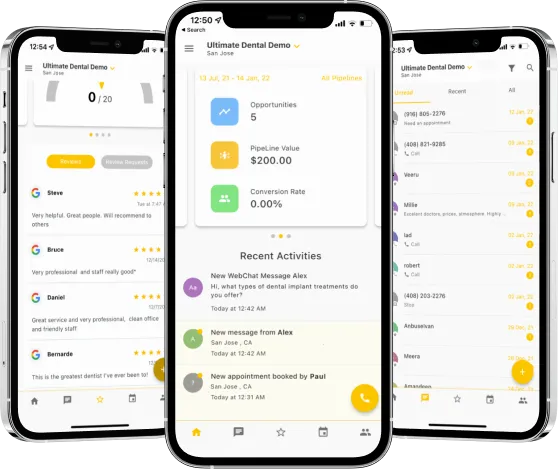
Available On App Stores.